Three calendar views
Daily, weekly and monthly, plus a Kanban board.
Plan your day, your studies and your work in one place. Calendapt works in the browser on your phone, tablet and computer, and it is free with no ads.
Paper planners don’t remind you of anything, and to-do lists have no calendar. Calendapt brings both together: every task has a date, time, priority, category and progress, and you can see it by day, week or month.
Tasks that don’t have a day yet stay in the inbox until you plan them, so nothing gets lost.
No artificial limits and no ads.
Daily, weekly and monthly, plus a Kanban board.
Date, time, priority, category, subtasks and progress.
Repeat a task every day or every week.
Shared tasks with an owner for each one, and supervisors.
Import .ics calendars and export your plan to PDF.
Get notified before important dates.
Real screenshots.
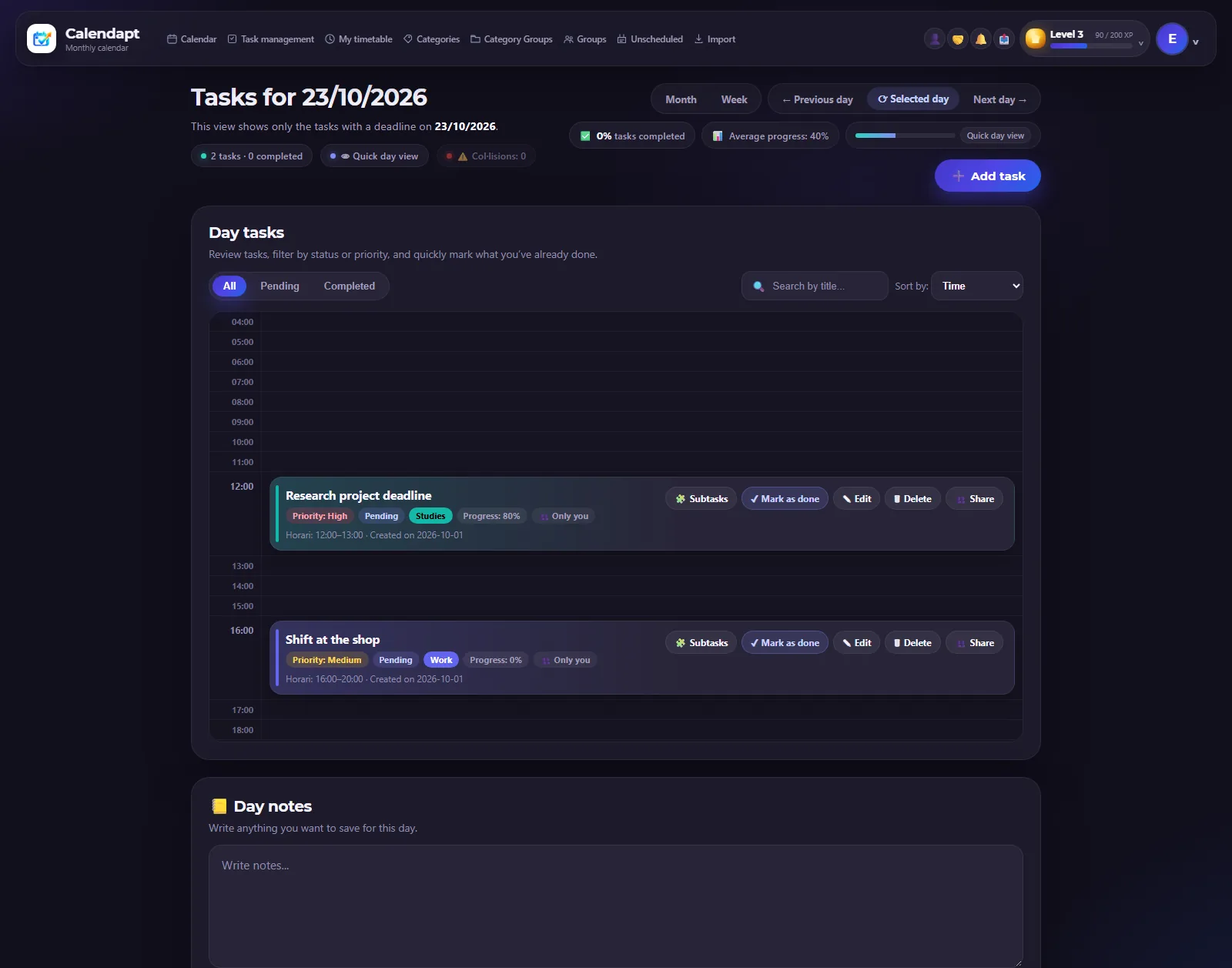
Your tasks and activities for one day.
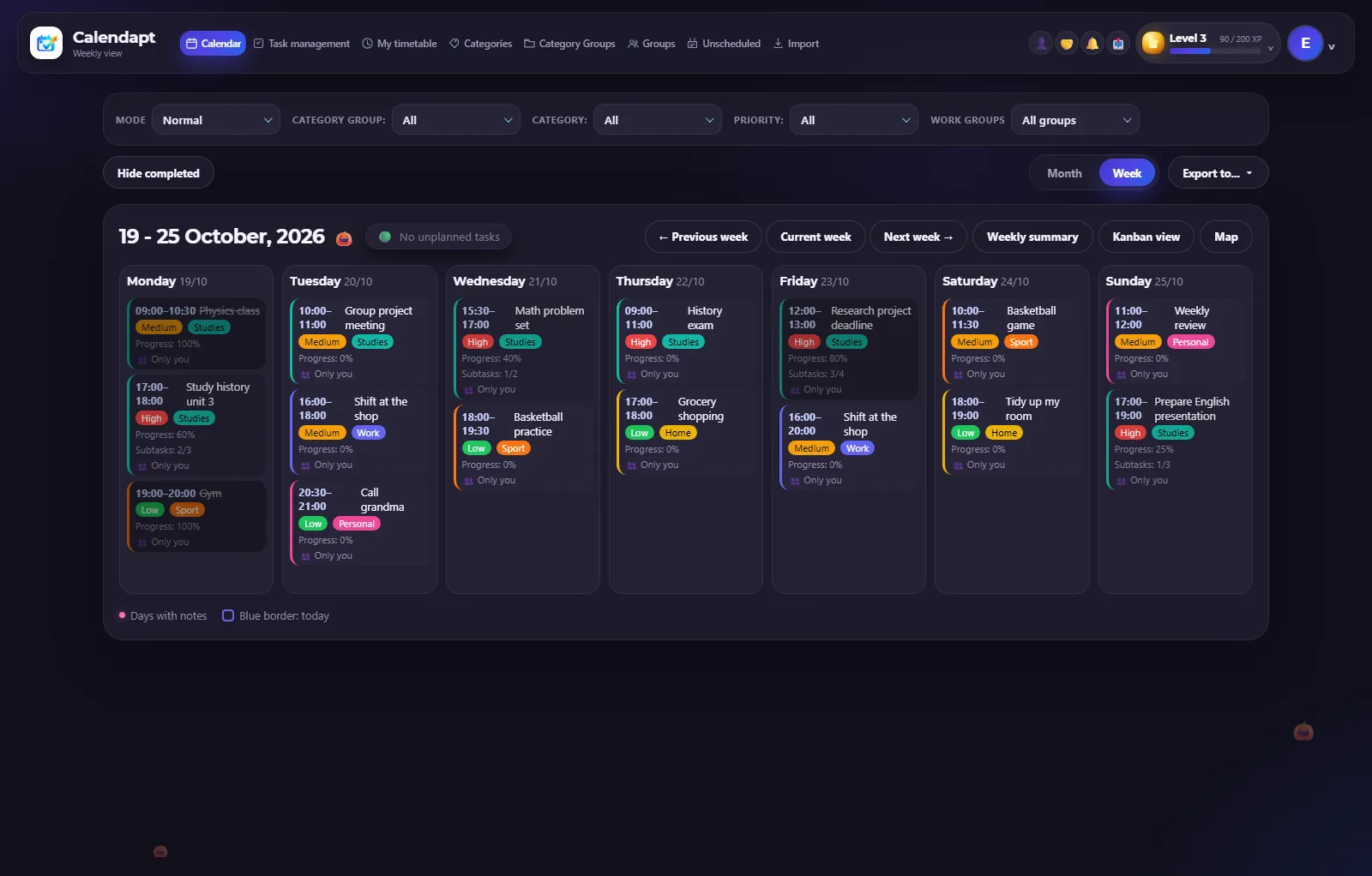
Your whole week at a glance.
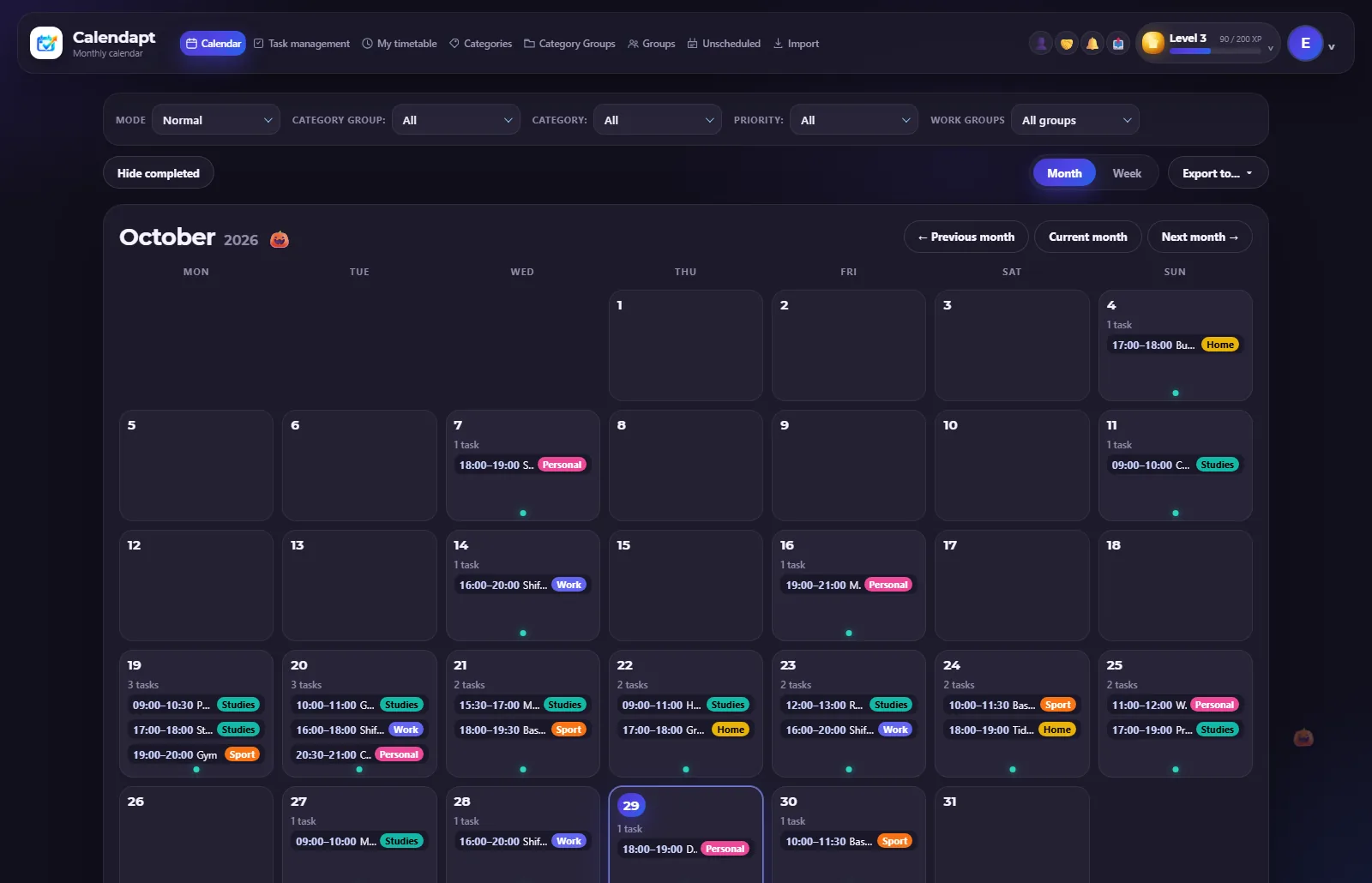
An overview of the month.
Yes. You can sign up and use every feature without paying, and there are no ads.
Yes. The same account works in the browser on your phone, tablet and computer.
Yes. Only the people you share tasks or groups with can see them, and you can delete your account at any time.
Yes. You can import events from an .ics file from Google Calendar, Outlook or Apple Calendar.